After receiving an invitation to apply (ITA), the next step in the journey is to submit your Canadian immigration application online through the electronic system of Immigration, Refugees and Citizenship Canada (IRCC). The entire process takes place through an online account: you create an account, fill in the forms, upload scanned documents, pay fees, and track processing status right on screen. This guide from the My Second World team walks through each step of submitting a Canadian immigration application online, along with notes on file formats, file size, and common errors that cause applications to be delayed or returned.
Which portal do you use to submit a Canadian immigration application online?
Currently, most skilled-worker applicants submit through the Permanent Residence Portal (PR Portal), or through a secure IRCC account depending on the program. This is the official channel for completing, paying fees for, and submitting a permanent residence application. If you are applying through Express Entry, after receiving your ITA, the system will lead you to the electronic form to complete your full application (e-APR). Before you begin, you should be clear on what an ITA is and the 60-day deadline so you don’t miss the submission window.
Theo Immigration, Refugees and Citizenship Canada (IRCC), applicants log in or create a PR Portal account to submit for permanent residence programs. You fill in the “My Profile” section with basic information first, and the system will auto-populate this information into the digitized forms, reducing errors from re-entering data multiple times.
Preparing before submitting a Canadian immigration application online
A smooth application starts with preparation. The process of submit your Canadian immigration application online will be faster and less risky if you gather all your documents and scan them to the correct standard from the start. Before logging into the portal, prepare the following groups of documents:
- Identity documents: a valid passport, photos of the required size, birth certificate, marriage certificate (if applicable).
- Proof of qualifications: a valid English test result (IELTS/CELPIP) and an educational credential assessment (ECA) report if you studied abroad.
- Proof of experience: job confirmation letter, employment contract, pay stubs matching the corresponding NOC code.
- Proof of funds: bank statements, letter confirming your fund balance meeting the program’s required threshold.
- Police certificates: a police certificate from every country where you lived for the required minimum period.
- Job offer (if any): a valid job offer letter in Canada.
For the exact list of documents required for each program, please refer to the article what a Canadian immigration application needs. Some Vietnamese-language documents must be accompanied by a certified translation — see the guide on translation and certification of documents for Canadian immigration to prepare correctly. If you have not yet set up your Express Entry profile, please read how to create an Express Entry profile first, as this account is tied to the electronic application step.
Steps to submit a Canadian immigration application online via the PR Portal
Below is the sequence for submitting a Canadian immigration application online following the exact steps of the PR Portal. You should follow them in order without skipping any step, to avoid getting blocked at the final confirmation stage:
- Create and log into your account. Access the PR Portal on Canada.ca, choose to log in or create a new account. Keep your username and password safe, as the entire subsequent process is tied to this account.
- Fill in your personal profile (My Profile). Enter your full name, date of birth, nationality, and family information. The system uses this data to auto-fill the forms, so enter it exactly as it appears on your passport.
- Complete the digitized forms and PDF forms. Some forms are filled in directly on the interface; others are PDF files you download, fill in following the program’s instruction guide, and then upload back to the portal.
- Upload supporting documents to the portal. Each document item has its own upload slot. Upload the correct document to the correct slot, and name files clearly to avoid confusion.
- Pay the fees. The system displays the list of fees you need to pay. You use a debit or credit card to pay through your secure IRCC account. At minimum, you must pay the processing fee and the biometrics fee when submitting.
- Sign electronically and confirm. After reading the declaration and statement, you must type your full name exactly as it appears on your passport to sign electronically. This is a legal requirement for the application to be considered “signed.”
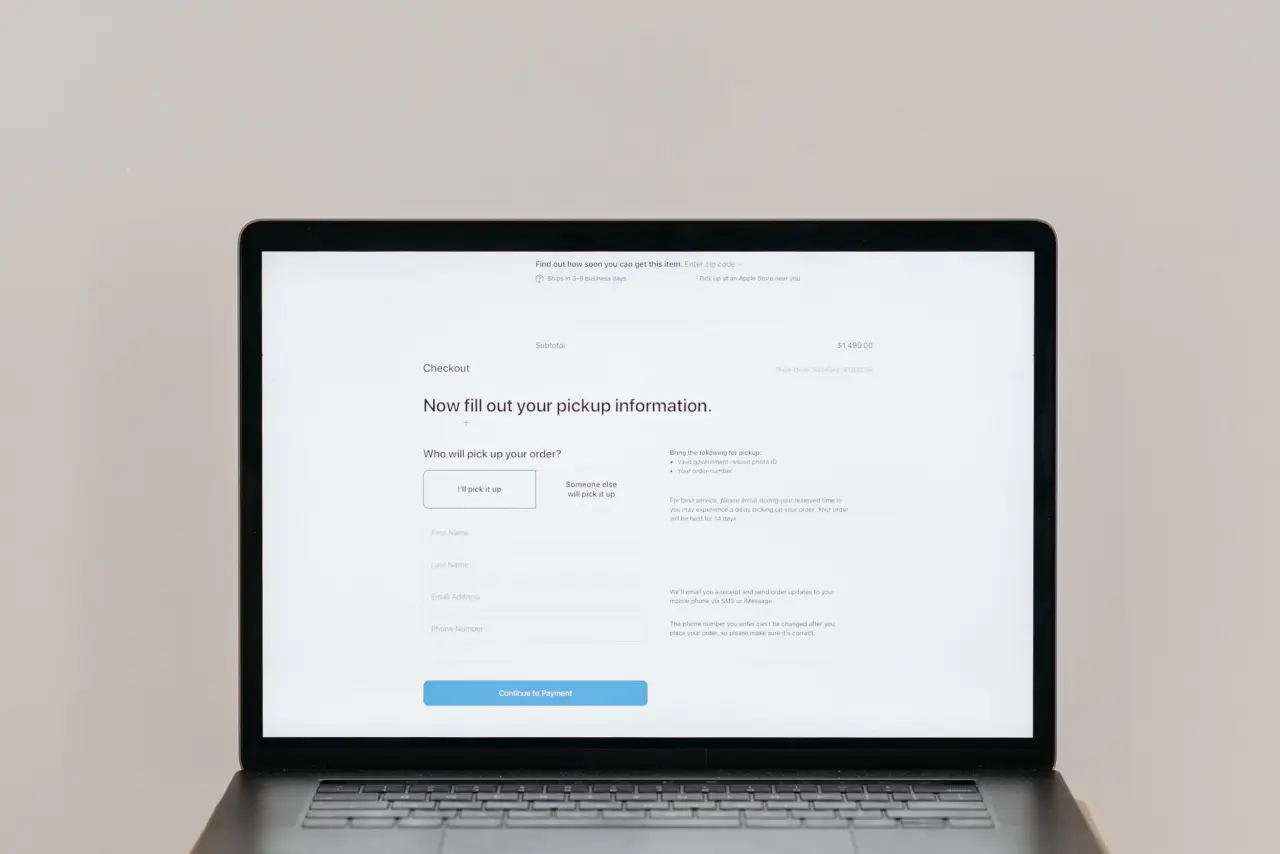
- Click Submit. When every item is valid, the “Submit” button turns green and you click to send it. The system will not allow submission if any required document is missing or a field is left blank.
One important point: according to IRCC, after submitting the application, you cannot upload additional documents through your account on your own unless IRCC requests supplementary material. So check everything carefully before clicking Submit. For families, only the principal applicant needs to sign the joint declaration and statement section; accompanying family members do not need to sign this part.
Notes on scanned documents and file size
The document upload step is where the most errors occur when submit your Canadian immigration application online. The PR Portal limits the format and size of each file, so you need to process files before uploading:
- Combine multiple images into one file: if a document item has multiple pages or multiple images (for example, all passport pages), you need to combine them into a single file before uploading — Canada.ca has instructions on how to combine multiple images into one document.
- Scan clearly, with enough brightness: the scan must be fully legible, including all text, stamps, and signatures. Blurry scans, cropped corners, or cut-off content are likely to be flagged for resubmission.
- Correct format and light enough: compress the file to within the allowed size while still keeping it legible. A file that is too large will fail to upload; one compressed too aggressively will be blurry and unacceptable.
- Use clear, recognizable file names: for example “passport”, “ielts”, “police-certificate”, so that both you and the reviewing officer do not mix up documents.
- Translation attached with the original: Vietnamese-language documents must have a certified translation. It is best to combine the original and the translation into a single file for that item to keep the application tidy.
Make sure you upload the correct document into the correct slot. Placing it in the wrong slot — for example, uploading a police certificate into the proof-of-funds slot — will make it hard for the reviewing officer to check and may be treated as a missing document.
Paying fees and biometrics when submitting the application
When submitting the application, you must pay at least the processing fee and the biometrics fee. According to IRCC, people aged 14 to 79 must provide fingerprints and a photo for each permanent residence application; the biometrics fee is $85 CAD per person. You have 30 days from the date on the instruction letter to complete your biometrics, so watch your account for this letter.
Besides the processing fee, most permanent residence applications also carry a Right of Permanent Residence Fee (RPRF). This fee is usually paid once the application is approved, but you can pay it at the same time as the application fee to avoid delays; the RPRF is also the only fee refunded if you do not become a permanent resident. Note: the immigration fee schedule was adjusted in 2026, so you should check the latest figures at the IRCC fee list right before paying, rather than relying on old figures. To get a sense of the total cost, please also refer to the article cost of immigrating to Canada.
Tracking status and common errors
After a successful submission, the application moves into processing and you can track progress right in your account. The status will update through milestones such as receipt, eligibility check, requests for additional documents (if any), and the final decision. When IRCC needs more documents, the system will open a slot for you to upload — this is the only case where you are allowed to submit additional documents after submission. Processing time depends on the program and application volume; please see the article Canada immigration application processing times for a reference timeframe.
Errors that commonly cause applications to be delayed or returned, which the My Second World team often sees, include:
- Missing required documents: leaving an upload slot empty or forgetting an information field, which keeps the Submit button from turning green.
- Signature not matching the passport: typing your name without diacritics, in the wrong order, or differently from the passport, making the electronic signature invalid.
- Blurry, wrong-format, or oversized files: a scan that cannot be read or that exceeds the size limit.
- Underpaid fees: forgetting the biometrics fee or the RPRF, leading to processing delays.
- Missing the deadline after ITA: exceeding the allowed time limit after receiving the invitation letter.
- Uploading a document into the wrong slot: making it difficult for the reviewing officer and risking it being treated as missing.
To reduce risk, you should review the entire application one final time before clicking submit, cross-check it against the official document checklist, and verify that every uploaded file opens correctly.
Summary
Submitting a Canadian immigration application online is not difficult if you prepare your documents fully, scan them to the correct standard, and follow the PR Portal’s steps in order: create an account, fill in the forms, upload documents, pay fees, sign electronically, then submit. Two points to remember are to check everything very carefully before clicking Submit (since you cannot add anything afterward) and to always check the latest IRCC fee schedule before paying. If you need to review your application before submitting or still have questions about document formats, the My Second World team is ready to accompany you so your Canadian immigration journey goes smoothly and in full compliance.